Skip to store content

VISUAL BUILDER

Build the store by looking at the store.

Kitsuly’s visual builder is designed around drag-and-drop structure, live editing and responsive device views so changes can be made without living inside code.

See Kitsuly Fable

01

Fields, rows and columns

Build page structure visually, then control width, alignment, spacing, backgrounds and responsive behaviour at each level.

02

Component library

Drop in commerce, content, media and interactive components rather than rebuilding common storefront patterns from scratch.

03

Responsive inheritance

Desktop acts as the master layout while Tablet and Mobile inherit sensible structure until you intentionally override them.

04

Deep styling

Typography, colours, media, borders, hover states, motion and element-specific controls live directly in the builder.

No-code does not have to mean low-control.

The goal is visual editing with enough depth to keep pushing a layout rather than hitting a wall after changing three colours.
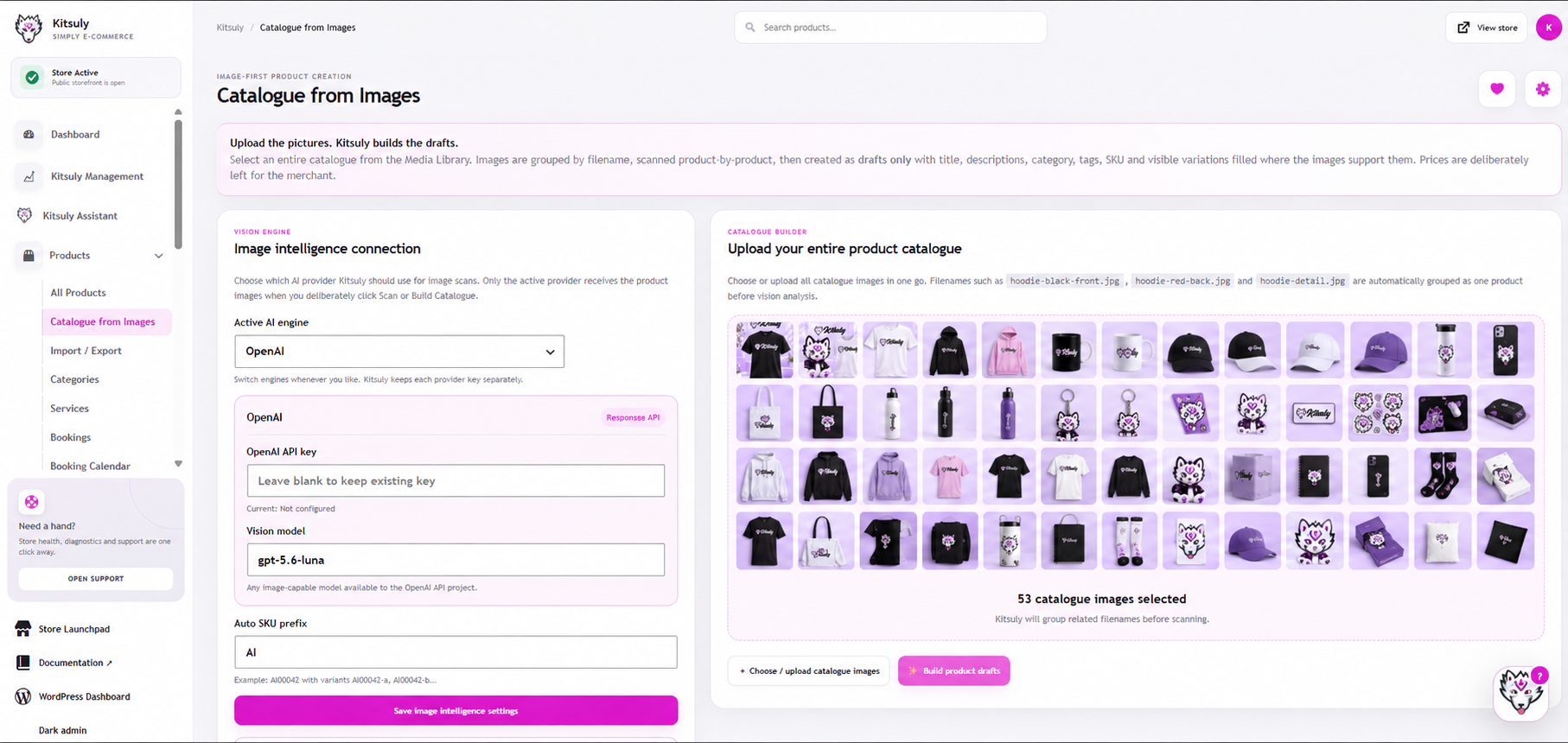
AI can assist. You still control the result.

Kitsuly is being developed to use intelligent assistance where it genuinely saves work, without turning the builder into a black box. The page remains something you can see, select and manipulate.

  • Visual drag + drop
  • Live preview
  • Responsive device controls
  • Reusable sections and structures
  • AI-assisted workflows where useful

Build it once. Refine it everywhere.

Start on Desktop, review Tablet and Mobile, then adjust only the pieces that need a human decision.

Explore Kitsuly

VISUAL BUILDER

Build the store by looking at the store.

Kitsuly’s visual builder is designed around drag-and-drop structure, live editing and responsive device views so changes can be made without living inside code.

See Kitsuly Fable

01

Fields, rows and columns

Build page structure visually, then control width, alignment, spacing, backgrounds and responsive behaviour at each level.

02

Component library

Drop in commerce, content, media and interactive components rather than rebuilding common storefront patterns from scratch.

03

Responsive inheritance

Desktop acts as the master layout while Tablet and Mobile inherit sensible structure until you intentionally override them.

04

Deep styling

Typography, colours, media, borders, hover states, motion and element-specific controls live directly in the builder.

No-code does not have to mean low-control.

The goal is visual editing with enough depth to keep pushing a layout rather than hitting a wall after changing three colours.

AI can assist. You still control the result.

Kitsuly is being developed to use intelligent assistance where it genuinely saves work, without turning the builder into a black box. The page remains something you can see, select and manipulate.

  • Visual drag + drop
  • Live preview
  • Responsive device controls
  • Reusable sections and structures
  • AI-assisted workflows where useful

Build it once. Refine it everywhere.

Start on Desktop, review Tablet and Mobile, then adjust only the pieces that need a human decision.

Explore Kitsuly

VISUAL BUILDER

Build the store by looking at the store.

Kitsuly’s visual builder is designed around drag-and-drop structure, live editing and responsive device views so changes can be made without living inside code.

See Kitsuly Fable

01

Fields, rows and columns

Build page structure visually, then control width, alignment, spacing, backgrounds and responsive behaviour at each level.

02

Component library

Drop in commerce, content, media and interactive components rather than rebuilding common storefront patterns from scratch.

03

Responsive inheritance

Desktop acts as the master layout while Tablet and Mobile inherit sensible structure until you intentionally override them.

04

Deep styling

Typography, colours, media, borders, hover states, motion and element-specific controls live directly in the builder.

No-code does not have to mean low-control.

The goal is visual editing with enough depth to keep pushing a layout rather than hitting a wall after changing three colours.

AI can assist. You still control the result.

Kitsuly is being developed to use intelligent assistance where it genuinely saves work, without turning the builder into a black box. The page remains something you can see, select and manipulate.

  • Visual drag + drop
  • Live preview
  • Responsive device controls
  • Reusable sections and structures
  • AI-assisted workflows where useful

Build it once. Refine it everywhere.

Start on Desktop, review Tablet and Mobile, then adjust only the pieces that need a human decision.

Explore Kitsuly