
When people look at Meet Kit AI: Your Ecommerce Sidekick, the useful question is not whether there is another button or setting available. The useful question is whether the feature makes the whole store easier to build, understand and operate. That is the standard Kitsuly is designed around.
Why this matters in a real store
A useful way to think about it is this: kit AI is the assistant layer inside Kitsuly, intended to help with store content, ideas, guidance and repetitive ecommerce work without sending the merchant to a separate workspace. That keeps the workflow understandable as the store becomes more detailed.
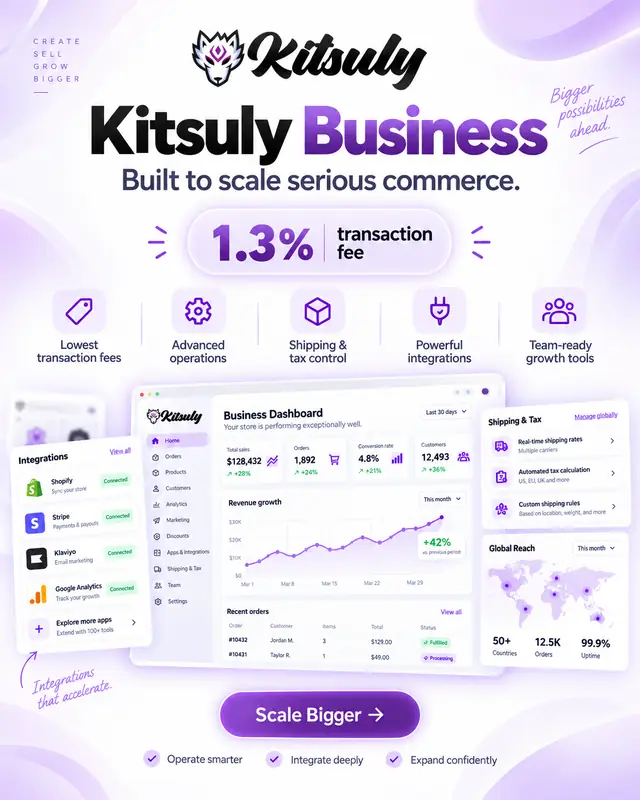
In practical terms, the integration model is designed around connecting supported AI providers while keeping the Kitsuly dashboard as the working environment. That is especially important in WordPress, where a store can otherwise become a collection of overlapping systems with different assumptions.
How Kitsuly approaches it
Inside Kitsuly, kitsuly is designed as one connected WordPress commerce workspace rather than a pile of unrelated extensions. The value is not the setting by itself, but the way it connects with the rest of the commerce workflow.
For day-to-day store work, the store, visual design tools, catalogue, customers, payments, shipping, marketing and reporting are intended to work from the same underlying commerce data. Done well, this reduces friction for the merchant and creates a more consistent experience for the customer.
The practical takeaway is to treat this as part of the store system, not an isolated feature. Kitsuly works best when design, commerce data and operations are allowed to reinforce one another. Start with the customer journey, configure the tools that support it, then refine the visual details once the flow is sound.
Using AI as part of the workflow
The best way to use Meet Kit AI: Your Ecommerce Sidekick is as an assistant inside an existing workflow. AI can help explain controls, draft material, generate ideas or reduce repetitive writing, but the merchant still provides the business context and makes the final decision. That keeps the tool useful without pretending an automated response understands every product, policy or customer situation better than the person operating the store.
Connected AI also raises a simple question: what information actually needs to leave the store for the task to be completed? A good implementation should send only the context required for the request rather than treating access to the entire commerce database as the default. That principle is particularly important around customer, order and payment information, where convenience is not a good reason to expose unrelated data.
What merchants should still review
Merchants should review generated output before publishing or relying on it. Product claims, prices, legal wording and support answers can cause real problems if they are confidently wrong. AI is strongest when it accelerates the first draft or helps the user find the relevant area, while the merchant remains responsible for checking that the result matches the store and the situation in front of them.
It is also useful to distinguish between local Kitsuly guidance and provider-generated answers. Local help can explain known platform paths and features without requiring an external model, while a connected provider can support more conversational requests. Having both approaches gives the assistant a useful fallback and lets the merchant decide whether an external AI connection is appropriate for their workflow.
Where Kit fits inside a connected store
Because Kit sits inside the Kitsuly environment, the aim is not to create another separate destination the merchant has to keep open. The value is contextual assistance close to the work: understanding a screen, shaping a piece of content or getting help with the next step while remaining inside the store administration experience.
As AI features expand, the same rule should remain in place: assistance should increase the merchant’s control rather than quietly taking it away. Clear actions, reviewable output and deliberate connections make the tool more useful than background automation that is difficult to inspect when something goes wrong.